From Green Screen to Swapped Scene: A Working Creator's Walkthrough of AI Face Replacement on a Real Shoot
Face-swap tutorials tend to live in a vacuum: a clean frontal photo, a well-lit demo clip, a model that behaves. Real productions are messier. Motion blur, side angles, colored practical lights, and an actor who turns their head mid-line all conspire against the model. This walkthrough follows an actual project — a two-minute indie short shot in a Brooklyn loft over a single weekend — and documents the full pipeline from camera settings to final render, so you can see where the workflow bends before it breaks on your set.
Preproduction: Shooting for the Swap
The single biggest determinant of swap quality isn't your model — it's your footage. Before anyone touches a GPU, plan the shoot around three constraints.
Lighting discipline. The source face (the face you're mapping in) should be lit flat and evenly. On our shoot, we placed a key light at 45 degrees and a fill to soften shadows, deliberately avoiding the dramatic low-key look the scene called for. Harsh shadows read as artifacts after the swap, and no amount of post-processing fully recovers them. Save the moody grade for color correction, after the swap is locked.
Camera settings. Shoot at the highest frame rate and resolution your storage allows — we used 4K/24 on a Sony FX3 with a fixed 35mm prime. Shutter speed matters more than most guides admit: anything below 1/60 introduces motion blur that fragments facial landmarks. If your scene involves movement, consider bumping shutter to 1/120 and adding motion blur back in post.
Coverage strategy. Wide shots hide imperfections; close-ups expose them. We shot the swap-heavy dialogue in a medium close-up at eye level, and deliberately avoided shots where the actor's face tilts beyond roughly 30 degrees off-axis. Write your shot list with this in mind — a face-swap pipeline is a coverage constraint like eyelines or continuity.
The Worked Example: Project Setup
Our source assets: roughly 400 frames of the replacement performer shot against a neutral background, captured on an iPhone 14 Pro using the same focal length as the A-camera. Consistency between source and target optics does more for realism than any fine-tuning trick.
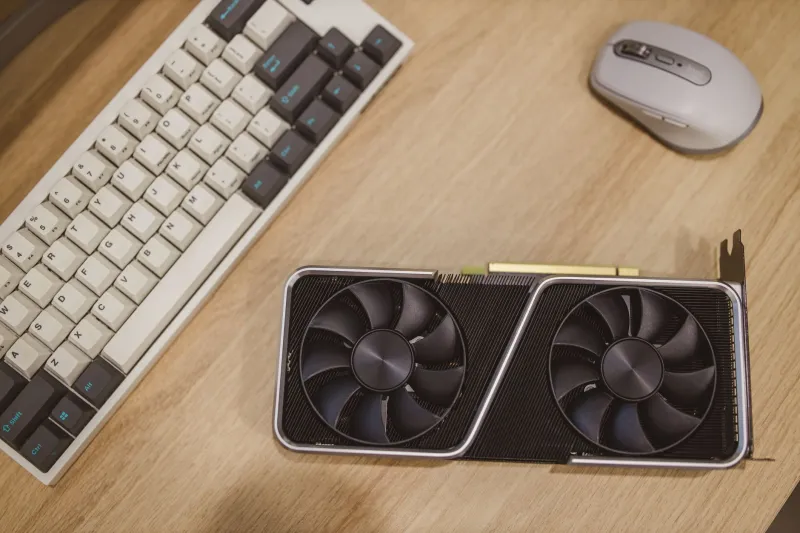
The pipeline ran on a workstation with an RTX 3090 (12GB would suffice for most steps) using a standard open-source toolchain:
- Extraction. Pull frames from the target footage and run face detection to isolate crops. Discard frames where detection confidence drops — these are usually blinks, extreme angles, or occlusions.
- Training. With a modest dataset, we trained for approximately 60,000 iterations overnight. Resist the urge to stop early; the final 20% of iterations is where identity transfer sharpens noticeably.
- Inference and masking. Run the swap across the target sequence, paying close attention to the mask feathering. A mask edge that's too hard produces a visible seam along the jawline — the most common giveaway in amateur swaps.
- Reassembly and color match. Rebuild the video, then grade the swapped region to match the surrounding plate. A slight luminance mismatch between face and body is the second-most-common tell.
Post-Processing: Where the Craft Lives
Raw swap output is rarely deliverable. Our finishing pass included:
- Temporal smoothing on the face region to reduce flicker between frames
- Grain matching, since digital swap output is cleaner than the surrounding footage
- Manual cleanup on roughly 15% of frames — mostly fast head turns and moments where a hand crossed the face
Budget your edit schedule accordingly. For two minutes of swapped footage, cleanup took one full workday. That ratio (roughly one cleanup day per two finished minutes) is a realistic planning figure for indie budgets.
Common Pitfalls, Documented
The profile shot. We knew better, and we shot one anyway. The swap held up until the actor turned past 40 degrees, then the jawline collapsed. Solution: a cutaway or a practical obstruction (a doorway, a shoulder) at the moment of the turn.
The moving light. A practical lamp in frame shifted color temperature across the scene. The swap model couldn't adapt, producing a face that stayed warm while the room cooled. Lock your lighting or plan to stabilize it in post.
The audio sync trap. Because the replacement performer's mouth movements differ from the on-screen actor's, dialogue can drift into uncanny territory. Our fix was scheduling the swap for lines with minimal on-camera speech and cutting to reaction shots during longer dialogue.
Budget Hardware Recommendations
For US-based creators building a rig around this workflow:
- Entry level (~$1,500): A used RTX 3060 12GB machine handles training at reduced batch sizes and inference comfortably
- Mid-range (~$3,000): RTX 4070 Ti Super with 64GB RAM covers most indie workloads with faster iteration cycles
- Cloud alternative: Hourly GPU rentals run $0.40–$1.20/hr for inference; training runs are where costs accumulate, so local hardware pays off if you'll iterate repeatedly
The Takeaway
AI face replacement is now within reach of any creator who can shoot competent footage and operate a command line. The technology is the easy part. What separates a convincing result from an obvious one is production discipline: lighting planned for the model, coverage planned for the pipeline's limits, and a finishing pass treated as seriously as the shoot itself. Build those habits into your next project, and the swap becomes invisible — which is exactly the point.